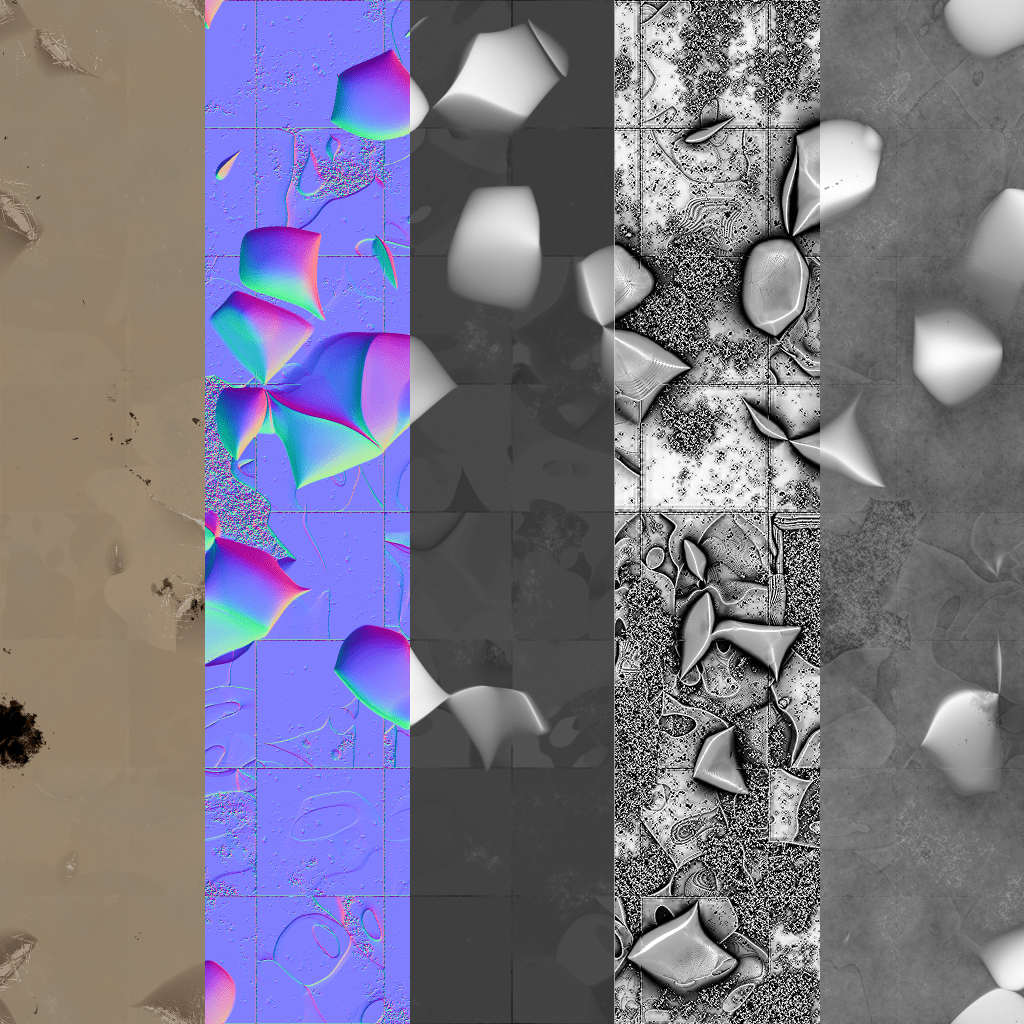
Description:
School Project
For this project, we had to make a texture in Substance Designer. We also had to make multiple variations of the same texture. The latter part was accomplished by altering the settings of some of the nodes in Substance Designer to random numbers. With each variation, I exported the base color, normal, height, ambient occlusion, and roughness layers as PNG files, and then compiled them together in Adobe Photoshop. Finally, I exported the compilations as PNG files.
You can also view this on ArtStation: https://www.artstation.com/artwork/9N303y
Project Type:
School Project
Project Duration:
Autumn 2020
Roles:
Game Design Student
Software Used:
Substance Designer; Adobe Photoshop

I started by watching a tutorial by my professor on how to create textures in Substance Designer. Following this tutorial, I learned how to connect the nodes to get the effect I wanted.
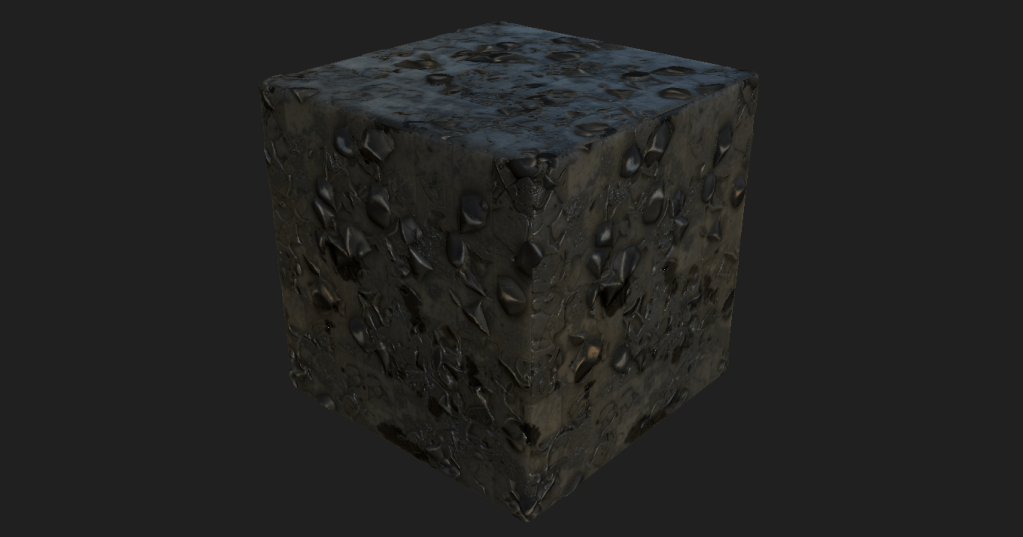
Here is what the output looks like.

Along with the image at the top of this page, this is a version of the texture with different values. Each of these versions were exported as .png files and compiled in Photoshop as a sample image.
 Matthew Tunney